This release adds Display options: the settings that change how words look, right in the app bar.
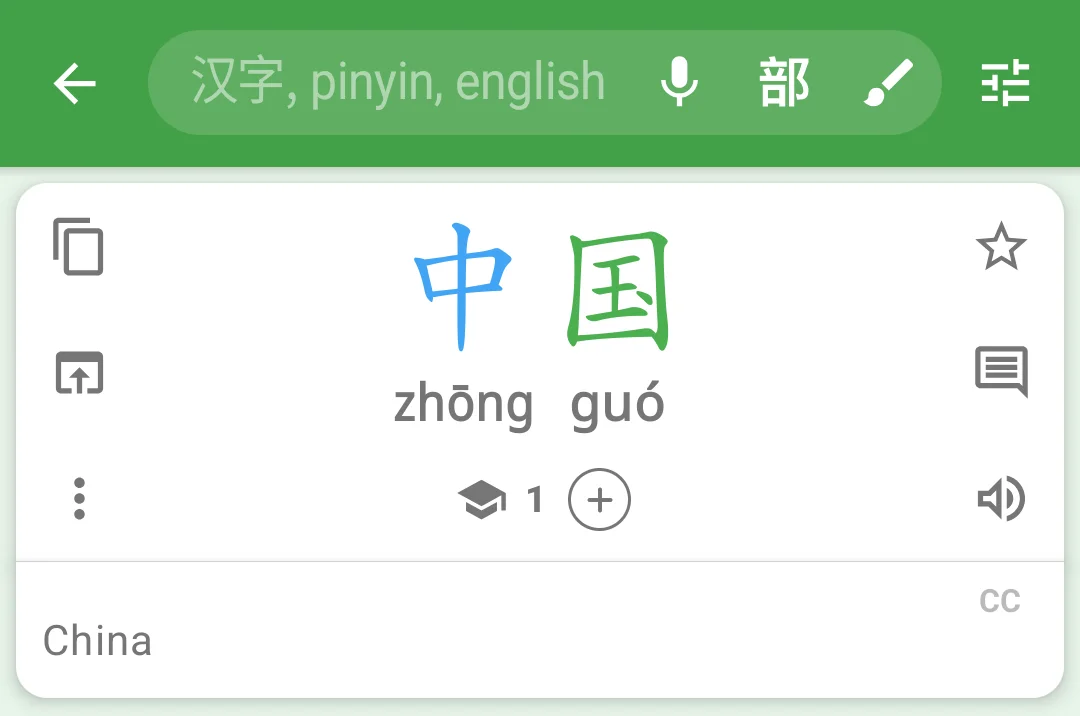
Tap the sliders icon beside the search box to switch between simplified and traditional, show or hide phonetics, or change the theme. The page stays in view underneath, so you see each change as you make it. Tap the icon again, or press Back, to close them.
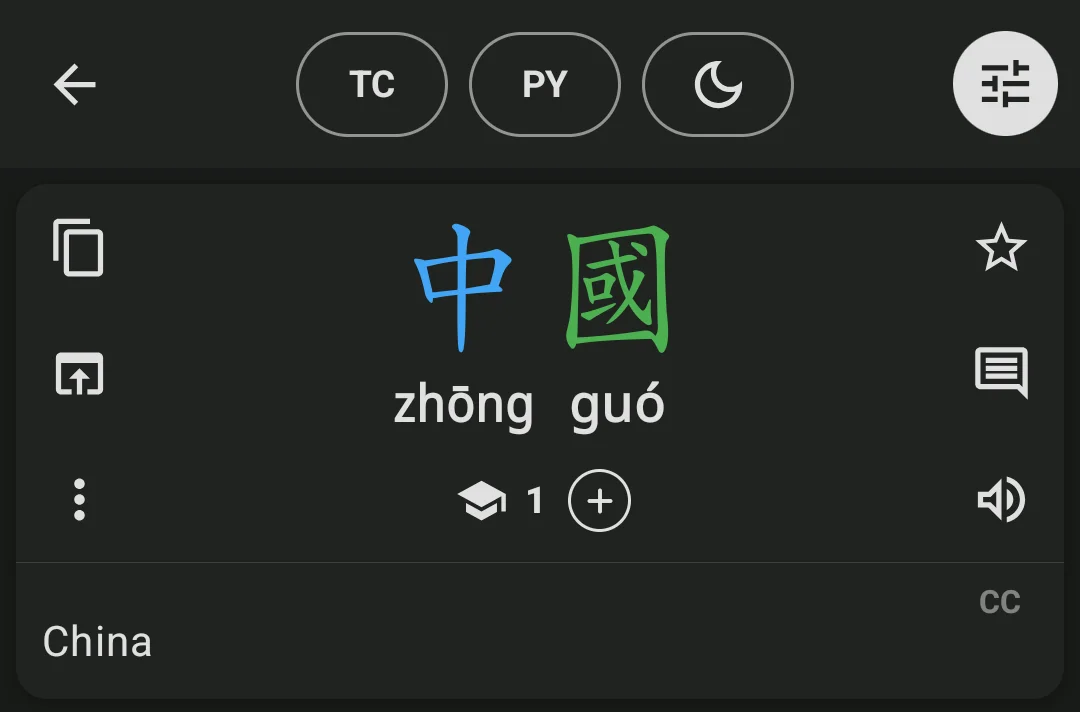
On a tablet, or a phone in landscape, the three switches sit in the bar itself, no icon needed.
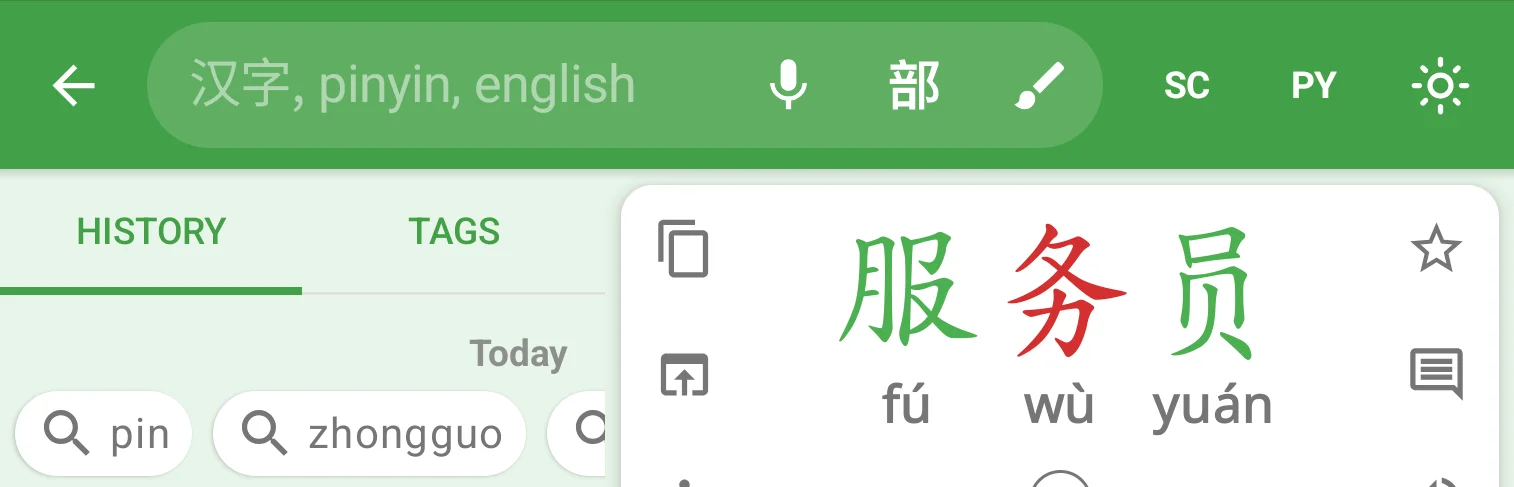
They’re in the Image Reader and the Document Reader too, while a word is open. Long-press the icon to open Settings, where you pick your phonetic system and whether to show both scripts.
Hiding phonetics is now a switch beside Phonetic System in Settings, rather than a “None” choice, so turning them back on brings back the system you had.
The camera icon is gone from the search box: open the Image Reader from Image & Document Reader in the navigation drawer. If you have Hanping Camera installed, its icon is at the foot of the drawer (Android only).
Get Hanping Chinese Dictionary on Google Play Store and Apple App Store
Get Hanping Cantonese Dictionary on Google Play Store and Apple App Store
I read every message, so please get in touch with your feedback.